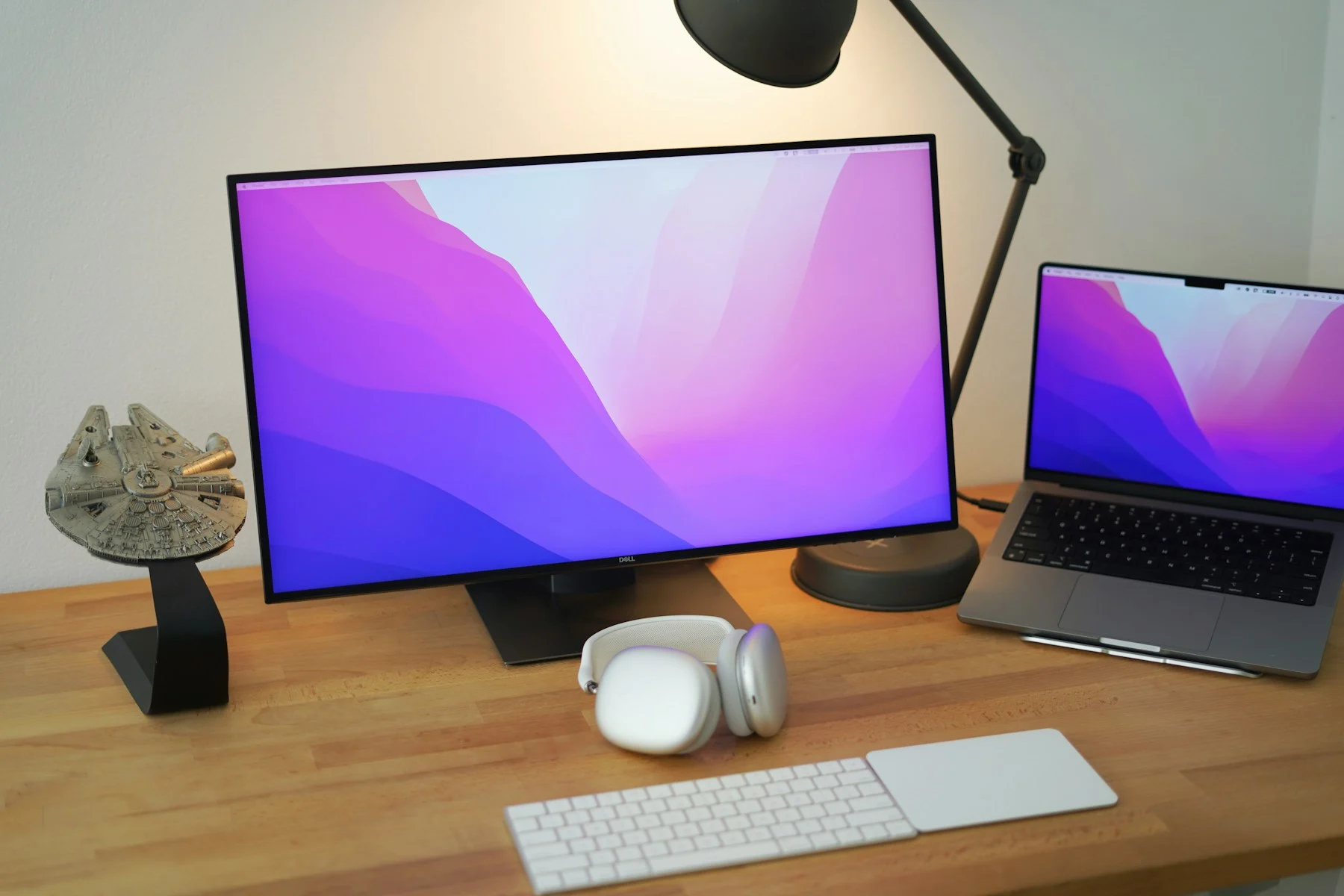
A real office workstation with a laptop, external display, keyboard, and trackpad

Business IT by Mission Desk

Your business runs on technology.
Make it work for you.

We help you choose the right tools, set them up properly, and keep your team productive with practical support and a clearer plan.

Based in North Texas, with on-site visits around Wichita Falls and nearby Oklahoma, Amarillo by arrangement, and scheduled Colorado support. Remote help is available nationwide.

Remote help nationwideClear scope and ownership
Identity & accessDevices & updatesNetworks & cloudBackup & recoveryBusiness-hours support

A connected approach to business technology

Look after the whole setup,
not just the latest problem.

One awkward login, unreliable printer, or missing file can interrupt everyone around it. We look at the devices, accounts, and connections together so each fix supports a more dependable way of working.

The right people should have the right access.

Business accounts, multifactor authentication, sensible permissions, and a clear way to onboard or remove a team member.

  1. List business accounts and their owners
  2. Review MFA and administrator access
  3. Document joiner and leaver steps
Clear ownership, fewer shared logins, and a more deliberate access policy.
A real small-office desk with a monitor, laptop, keyboard, and working documents

A useful handover is part of the work.Your accounts, equipment, and key setup decisions should not be a mystery after the visit.

What good IT support actually does

Protect the work.
Give the team a better day.

Effective IT is a continuous discipline, not a one-time security setting. It starts with knowing which devices, services, and information the business depends on, who owns them, and what would happen if one stopped working.

Across the industry, managed service providers combine service-desk support with maintenance, endpoint management, backup oversight, and technology planning. Remote monitoring and management (RMM) tools can help technicians spot issues and coordinate updates; a service-level agreement (SLA) defines what is covered and how support is prioritized. Those terms only mean something when the responsibility, tooling, and response arrangements are actually in place. Read the MSP overview.

Security begins with a sensible baseline.

That baseline usually includes supported software, managed updates, unique accounts, multifactor authentication, appropriate access, and backups that are checked by restoring data. NIST emphasizes these fundamentals and the need to keep improving them as the business changes. NIST's small-business guidance.

For cloud work, the same discipline follows the user: verify access, give people only the permissions they need, and plan for problems rather than assuming they cannot happen. Microsoft's small-business Zero Trust guidance describes those principles across identity, devices, and business applications. Microsoft's small-business guidance.

Start with the support your business needs.

Mission Desk offers a practical starting point: advice, a defined setup project, and optional business-hours support. We agree the users, devices, included time, response expectations, and escalation path in writing. If you need ongoing monitoring, specialist incident response, or wider managed services, we scope the right tooling and expertise with you rather than implying it is included in a basic support plan.

The goal is a business that can work confidently: people know where to get help, changes are documented, and the next technology decision fits a plan instead of becoming another emergency purchase.

Choose a useful starting point

Get clarity. Get set up.
Keep someone in your corner.

Hands-on setup

IT QuickStart

$500 defined setup project

One or two scheduled onsite days to complete an agreed technology setup checklist and hand it over in a way your team can use.

  • Review the people, devices, office, and priorities.
  • Agree the equipment, accounts, and everyday tools to configure.
  • Set up, test the agreed workflows, and document the essentials.
Plan My IT QuickStartWe confirm onsite coverage, dates, and any travel costs first. Hardware, licenses, and larger cabling, server, recovery, or migration projects are quoted separately.
Advice before investment

IT Consultation

$99 60-minute remote session

Bring a technical problem, an integration question, or a purchase decision. Leave with prioritized next steps and a better understanding of the options.

  • Review your question in business context.
  • Separate urgent issues from useful improvements.
  • Get a focused recommendation and next actions.
Request a ConsultationAvailable remotely nationwide. Implementation is separately scoped.

Optional ongoing support

Business-hours remote help, with supported users, devices, time allowances, and response expectations agreed in your service plan.

Solo Support$49/monthSmall Team Support$199/month
Discuss a support plan

Support plans are optional and separate from website Care. They do not include unlimited development, unlimited onsite visits, or a 24/7 managed-security service. No subscription starts without your accepted scope.

From the first question to a usable setup

You should know what happens next.

Understand the environment

We identify what you use, what is getting in the way, and what needs protecting.

Agree the plan

You approve the work, responsibilities, schedule, and any separate costs before we start.

Configure and check

We complete the agreed work and test the tasks your business actually needs to do.

Hand over and support

Your team gets useful instructions and a clear route to any support you choose.

A practical technical partner

Tell us what your team needs to do.

We will help work out the technology, the setup, and the support to get there.

Talk to Mission Desk940-500-6057